BLOG |
Blink announcements


Published 1 July 2026 · Updated 31 July 2026
Dear Blink user,
If you received a notification in your Blink Wallet linking to this page, this announcement applies to your account. Due to regulatory developments in your region, we will be discontinuing custodial accounts for affected users. Your funds are safe and remain fully under your control — you can send, withdraw, and move them to a non-custodial account at any time. You will need to move your balance before 31 August 2026 or 30 September (depending on your in-app notification) — and the earlier you move, the smoother it is. The personal notification in your Blink Wallet contains the details and dates that apply to your account during the wind-down.
This page explains exactly what is happening, what your options are, and the full timeline. Please read it carefully and save it for reference. We will also remind you by in-app notification as each date approaches.
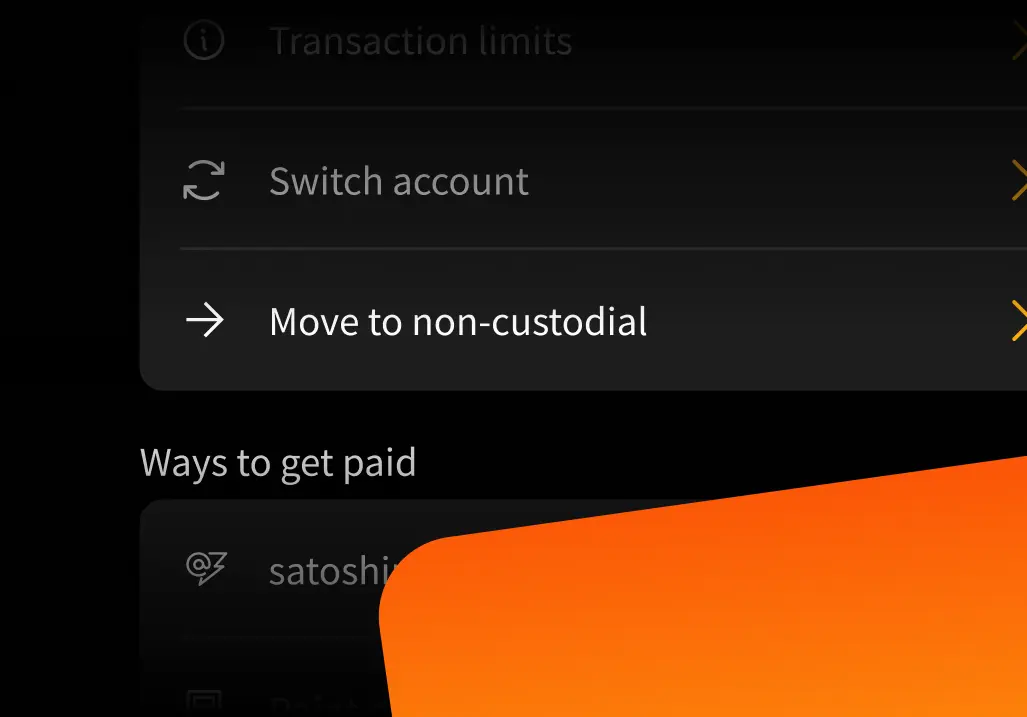
The short version: from 31 July you can use our easy step-by-step migration to move to a new Blink non-custodial account in a few taps, keeping your balances and your Lightning address. If you’d rather move today, you can create a non-custodial account yourself and transfer your funds now, or withdraw to any external wallet of your choice. All options are free of Blink fees — the only costs that can ever apply are network or protocol fees that Blink doesn't control or receive, always shown to you before you confirm.
Regulations covering custodial cryptoasset services have accelerated worldwide. In some regions, continuing to hold funds on our users’ behalf is no longer practical for us. Rather than quietly dropping users, we spent the last year building an alternative: non-custodial Blink accounts, where you hold your own keys and Blink never has custody of your funds — with the same experience you already know.
Because non-custodial accounts don’t involve us holding your funds, we can keep serving you where custodial services are being wound down. This change is about how your funds are held, not about you losing access to Blink.
Your current custodial Blink account (where Blink holds funds on your behalf) will be discontinued in your region according to the timeline below. Blink itself is not shutting down, and the Blink app will continue to work for you — through a non-custodial account.
You have two options, and all of them are free of Blink fees — no penalties, no deductions, and your balance is never reduced by Blink. Depending on your region, not all options may be available for your account — your personal notification states which options apply to you:
Option 1 (recommended): Use the guided step-by-step migration. The guided migration flow, available in the app from 31 July 2026, moves you to a Blink non-custodial account in a few taps. It moves your balances, walks you through backing up your recovery phrase — and moves your Lightning address (username@blink.sv) to your new non-custodial account automatically, so the people who pay you won’t notice any difference. We’ll notify you when it’s live. If you can wait until then, this is the easiest path.
Your Lightning address can’t be moved manually yet: automatic address transfer arrives with the guided migration on 31 July. One thing to know: the guided migration always creates a new non-custodial account and moves your Lightning address to that new account — it can’t move the address into a non-custodial account you created yourself. If you migrated manually first as per Option 2, you’ll end up with two non-custodial accounts. If you want to avoid that, wait until Option 1 is available.
Option 2: Withdraw your funds to an external wallet. At any time before 31 August 2026 or 30 September 2026 (depending on your in-app notification), you can send your balance to any external Bitcoin or Lightning wallet, exactly as you do today. For accounts covered by this notice, withdrawing and moving your own funds
carries no Blink fees for the entire wind-down period (standard network fees for on-chain transactions may apply, and will be shown before you confirm). Your account's standard transfer limits apply to external withdrawals. Migrating to your own Blink non-custodial account (Option 1) has no limit — if your balance is above your withdrawal limit, the migration is the simplest way to move everything at once.
If you need help choosing, our support team is available throughout this process (see below).
The dates below apply to most affected accounts. In some regions, regulatory requirements mean the timeline differs — if that’s the case for your account, the dates in the personal notification you received in your Blink Wallet apply, and those dates take precedence over the dates on this page.
Published 1 July 2026 · Updated 30 July 2026
1 July 2026
31 July 2026
31 August 2026 or 30 September 2026 (depending on your in-app notification)
After 31 August 2026
You do not lose your money. But your account will stop working for payments after 31 August 2026 or 30 September 2026 (depending on your in-app notification), and from that date the app will only let you complete the migration — nothing else. Please act as soon as you can: migrating takes a few minutes, and the earlier you move, the less disruption to your payments. The personal notification in your Blink Wallet contains the dates that apply to your account, including for receiving payments.
Is my money safe during this period? Yes. Nothing about the safety of your funds changes during the notice period, and all options for moving your funds remain available until the deadline.
Will this cost me anything? Blink charges nothing. For accounts covered by this notice, moving to a non-custodial account and withdrawing your own funds carry no Blink fees for the entire wind-down period and beyond, regardless of any fees that may apply to other Blink products or regions. The only costs that can apply are network and protocol fees that Blink doesn't control and doesn't receive: standard on-chain network fees on on-chain withdrawals, and a small Spark protocol fee on the migration transfer. Any such fee is
shown to you before you confirm — and for very small balances, Blink covers the network fee, so even the smallest balance can migrate at no cost. Your balance is never reduced by Blink.
Do I keep my Lightning address? Yes — your username@blink.sv address stays yours and will move to your non-custodial account. Automatic address transfer arrives with the guided migration on 31 July 2026 — complete it promptly and your address receives on your non-custodial account, with senders noticing no difference.
What about my Dollar Balance? Whether your new non-custodial account supports a Dollar Balance depends on your region — the app shows what applies to you. The migration transfers your Bitcoin Balance only, so before migrating, empty your Dollar Balance.
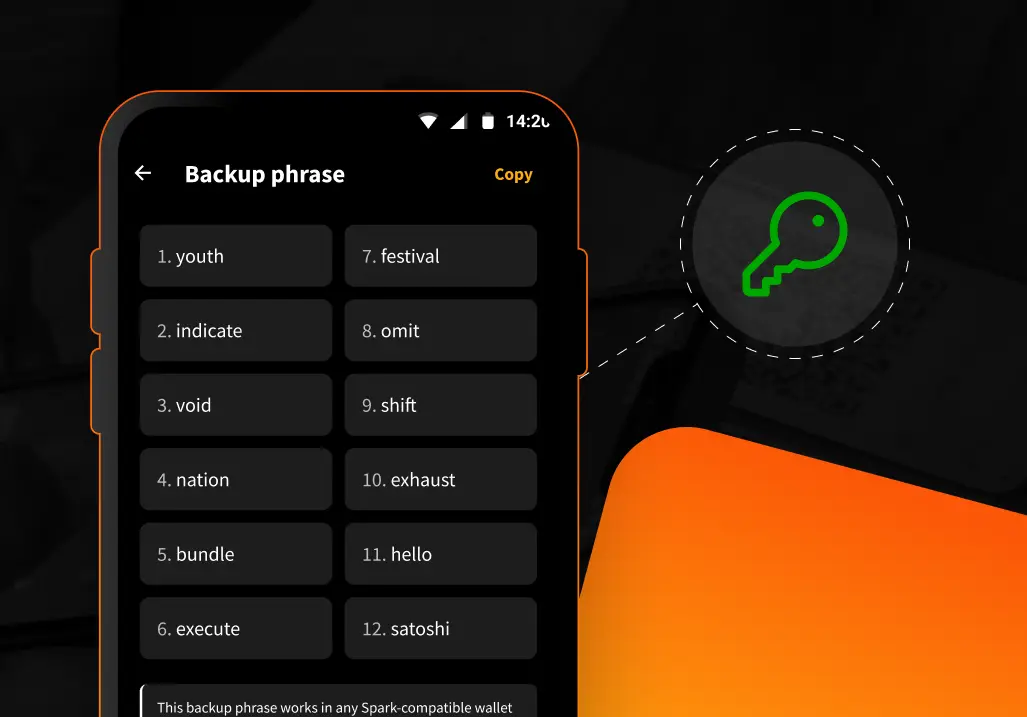
What’s different about a non-custodial account? You hold your own keys via a 12-word recovery phrase, meaning Blink cannot access or move your funds — and also cannot recover them if you lose your phrase. The app experience stays the same. Read the full details in our non-custodial launch announcement.
Why does this apply to me and not everyone? This change applies only in regions where regulatory developments affect custodial services. If you received the in-app notification, your account is affected. Users elsewhere can continue using custodial accounts and may migrate voluntarily. In some regions the timeline also differs from the one on this page — where it does, your personal notification states the dates that apply to you.
I use Blink for my business / via the API. What should I do? The same options and timeline apply. If you have integration questions (Point of Sale, API, plugins), contact us at support@blink.sv and we’ll help you plan the transition.
I need help, or I want to make a complaint. Our support team is available in-app and at support@blink.sv throughout the entire process. If you’re unhappy with how this process is handled, you can submit a formal complaint by emailing support@blink.sv with “Complaint” in the subject line, and we will review and respond to it as a complaint, separately from regular support requests. This process does not affect any rights you have under the laws of your country.
Blink was built to make using bitcoin simple. This transition keeps that promise — the same Blink you know, with your keys in your hands. Thank you for being part of this journey with us.
The Blink Team
Questions? Reach us in-app or at support@blink.sv.
Start receiving and sending bitcoin now