


BLOG |
How-tos
Blink Wallet doesn’t support direct fiat withdrawals yet. Learn practical ways to use Bitcoin through peer-to-peer methods, spending services, and other options.


Many Blink Wallet users ask a simple question: “How do I sell or withdraw my Bitcoin to my bank account?”
Inside the app, this is associated with the Bitcoin on-ramp and off-ramp feature, sometimes referred to as "Bitcoin on-off ramp". However, this feature is not currently live in any region.
This guide explains safe, practical alternatives for buying, selling, and withdrawing Bitcoin as a Blink user without relying on in-app bank withdrawals. It is written as a neutral educational resource and does not provide personal financial advice.
Even without direct bank withdrawals, Blink users can still convert Bitcoin to local currency securely and responsibly. Here’s how.
When users refer to “Bitcoin on-off ramp being available,” they are referring to the in-app feature that allows converting Bitcoin directly to fiat and withdrawing to a bank account.
Blink is a custodial Bitcoin wallet, not a full exchange with its own global banking infrastructure. Offering direct fiat withdrawals requires:
The BTC-to-fiat feature was previously available in El Salvador. However, in September 2025, Blink’s bank account used for exchange operations was frozen without notice by Salvadoran Banco Hipotecario.
As a result, the Bitcoin on-off ramp feature is currently not live in any region, including El Salvador.
Blink is working to restore and expand this functionality by partnering with regulated local financial service providers, but there is no confirmed launch date.
Since in-app bank withdrawals are not currently available, Blink users can convert Bitcoin into local currency using alternative methods.
These include:
Each option differs in custody, identity verification requirements, risk level, and convenience.
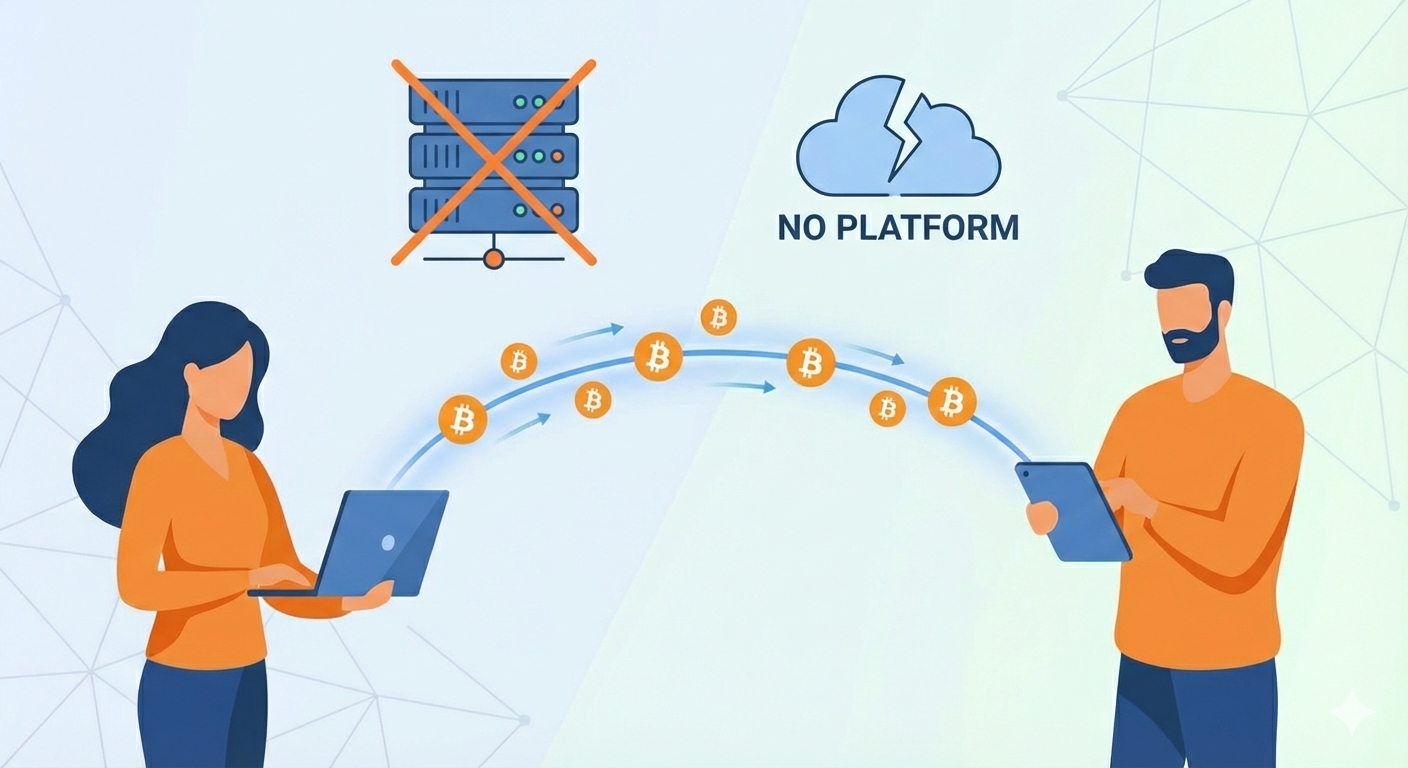
Direct P2P trades happen entirely between individuals, without a marketplace, app, or escrow service. This is the most direct way to trade Bitcoin, but it also carries the highest level of personal responsibility.
How Direct Person-to-Person Trading Works
This often happens through:
PS: These trades happen entirely outside the Blink Wallet. Blink does not facilitate or monitor them. Users are responsible for verifying counterparties and managing risk.
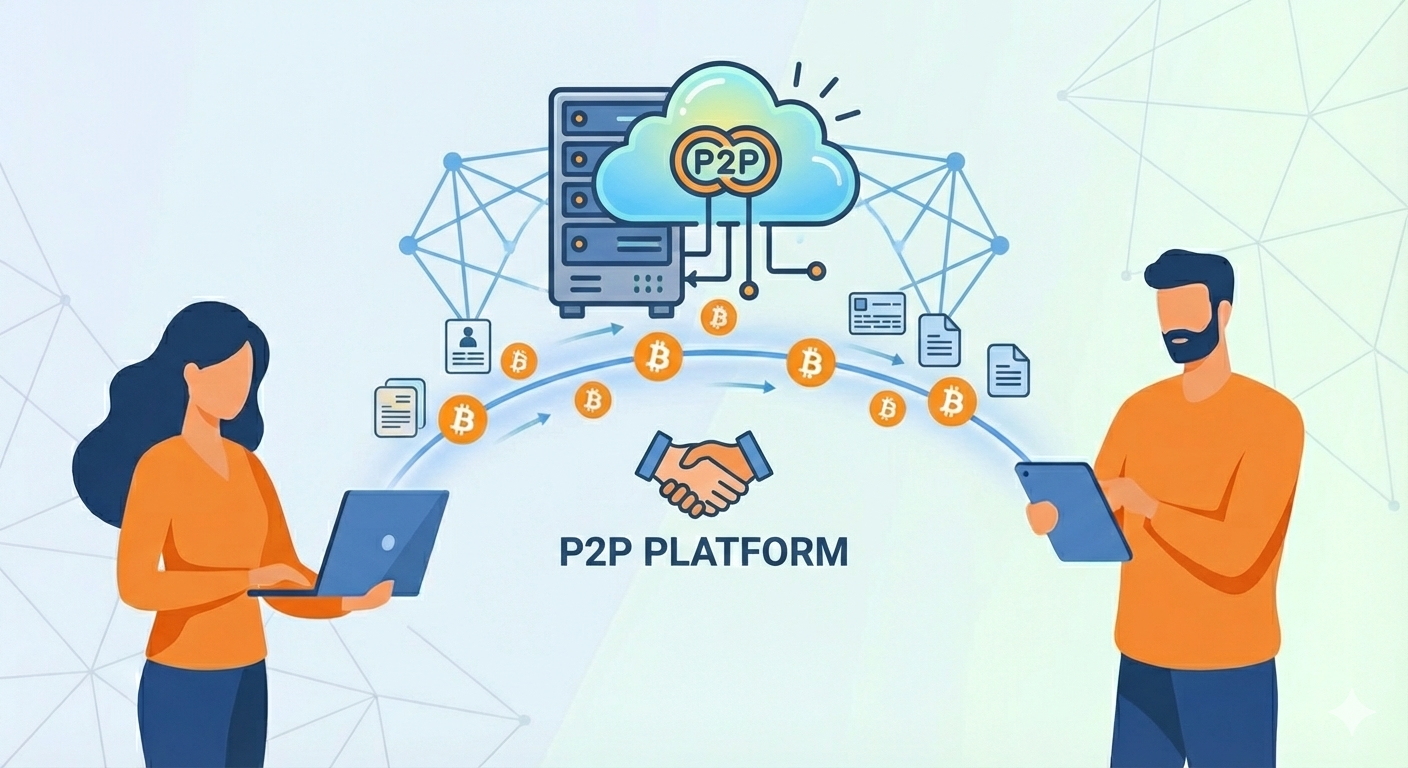
P2P platforms connect buyers and sellers directly and usually provide escrow protection to reduce fraud. Instead of trading privately, you use a platform to coordinate the trade.
Most P2P platforms provide:
There are two main types of P2P platforms Blink users should understand: Centralised and Decentralised.
Centralised P2P platforms are operated by companies that manage the marketplace and handle disputes.
How this works for Blink users:
Typical features:
While these platforms are often beginner-friendly, Blink users should understand that sending Bitcoin to escrow means temporarily giving up custody. Blink cannot assist if anything goes wrong on a third-party platform.
Decentralised P2P platforms allow users to trade Bitcoin without handing custody to a central company.
How this works for Blink users:
Typical features:
Examples of some Decentralized P2P Platforms:
PS: Blink does not facilitate or monitor trades on third-party platforms.
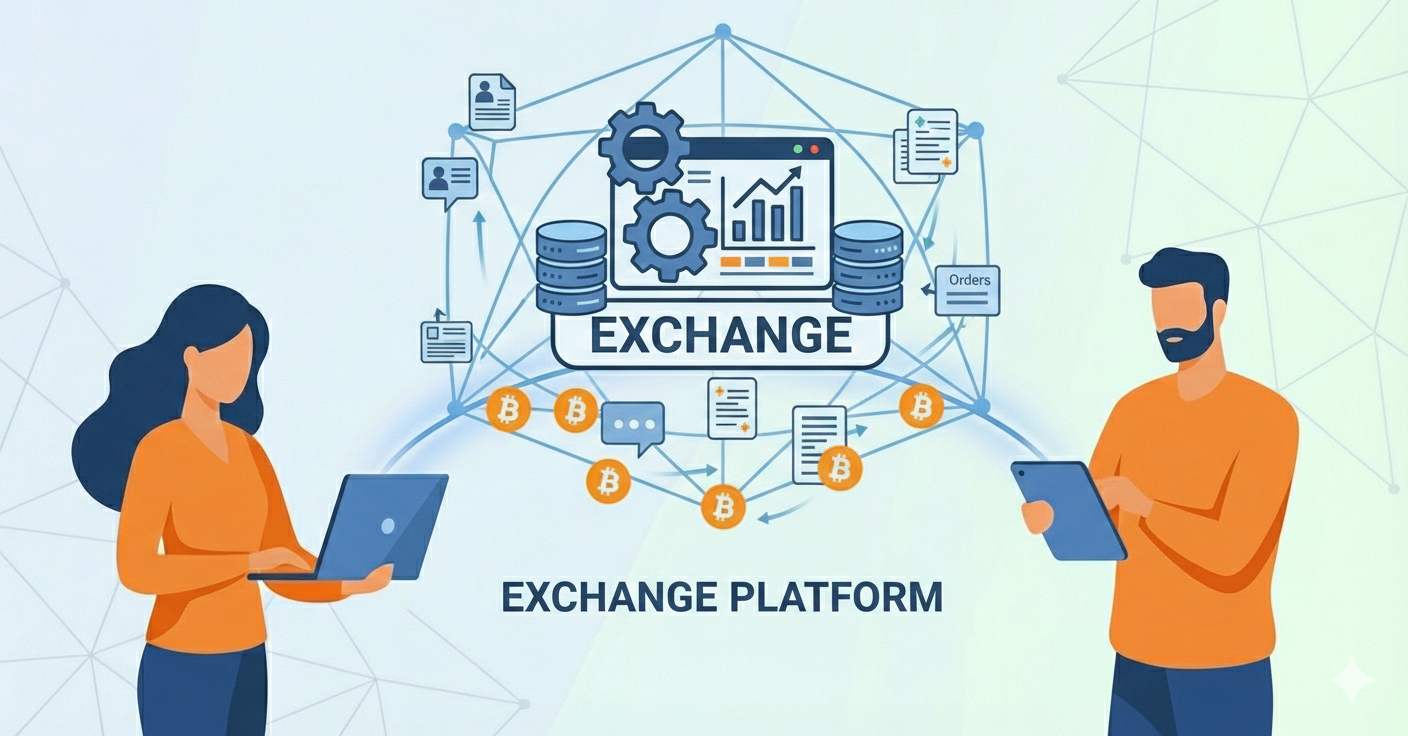
Exchange platforms are regulated, custodial KYC-based services that allow users to convert Bitcoin into local currency and withdraw funds via supported fiat payment methods.
How exchanges work:
Important considerations:
For users in Nigeria, apps like Mavapay can provide a way to convert Bitcoin to local currency. These solutions involve additional custody and regulatory considerations.
PS: Avoid leaving Bitcoin on an exchange longer than necessary. Blink does not endorse or provide support for exchange platforms.
Blink introduced a Buy & Sell Bitcoin feature that lets users convert between Bitcoin and local currency directly within the app; however, the feature is not live yet in any country.
If you ask me, I’ll say: The best off-ramp isn't converting your Bitcoin to fiat sitting in a bank account waiting for regulatory approvals. That's the dream, but it's not the reality right now.
In South Africa, most Bitcoiners use MoneyBadger, with this platform, you're converting Bitcoin into purchasing goods and services at physical stores. You're not trading Bitcoin for cash, just spending it on what you need. Learn more about how MoneyBadger and Blink are hyperbitcoinizing South Africa through QR payments.
Same thing with Tando in East Africa. Any store with MPESA can accept Bitcoin payments without even knowing they're receiving Bitcoin. The merchant gets paid in local currency, you get what you came for, and you pay using Bitcoin. The shop owner doesn't need to understand Bitcoin. It just works. Read more about Bitcoin adoption in Kenya through Tando.
This is better than waiting around for bank withdrawals. You're getting actual utility from your Bitcoin instead of it sitting idle while we all wait for banking infrastructure to catch up.
Blink is actively looking to partner with vetted solutions in key markets. Mavapay in Nigeria is one example, though partnerships are still in talks and not yet finalized. There's a whole ecosystem of Bitcoin-focused platforms across Africa. The reason Blink is selective isn't that these markets lack resources, but because credibility matters.
Note: I highlight Bitcoin-focused solutions, not crypto exchanges trying to do everything. That's where the real utility is for Blink users. Blink doesn't endorse these solutions but wants to show alternatives available to our users. I'd strongly advise you to do your own research before using any of these solutions.
Here's something useful if you want stability without cashing out immediately: Stablesats lets you transfer from your Bitcoin Balance to a USD-denominated balance within Blink. Your balance stays stable regardless of Bitcoin's price swings.
How it works:
When to use it: If you're unsure about timing your cash-out, Stablesats lets you lock in value while you wait. It bridges the gap between holding volatile sats and spending, giving you stability without leaving Blink.
Even though the Bitcoin on-off ramp feature isn’t live yet, users can still “convert Bitcoin via multiple methods" or "sell Bitcoin via multiple methods”. Each option differs in custody, verification, and risk.
PS: Blink Wallet does not endorse or provide support for any third-party platforms. All transactions outside the Blink Wallet are the user’s responsibility.
No. The BTC-to-fiat feature is currently not live in any region.
Yes, but it was disabled in September 2025 after the bank handling exchange operations froze Blink’s account.
Selling Bitcoin to a bank account requires banking integrations and regulatory approvals, which are not yet available.
No. Blink is a Bitcoin wallet, not a Bitcoin exchange.
An informal term used to describe Blink’s feature to buy and sell Bitcoin, which allows bank withdrawals in supported regions.
Spending Bitcoin directly through services like MoneyBadger or Tando gives you utility without waiting for bank infrastructure.
No. Transactions conducted outside the Blink Wallet are the user’s responsibility.
There is no confirmed timeline, but updates may be announced through official Blink channels.
Start receiving and sending bitcoin now


